
TAU Dash
8-bit campus map exploration game for a Raspberry Pi Pico handheld, drawn from real OpenStreetMap data.

Concept
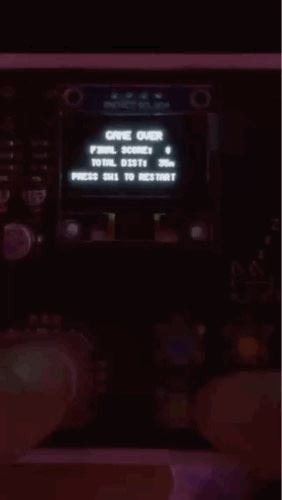
TAU Dash is a retro map exploration and landmark hunting game built for the Rabbit Pie board — a Raspberry Pi Pico (RP2040) with a 128×64 monochrome OLED, a joystick, four buttons and an I2S DAC.
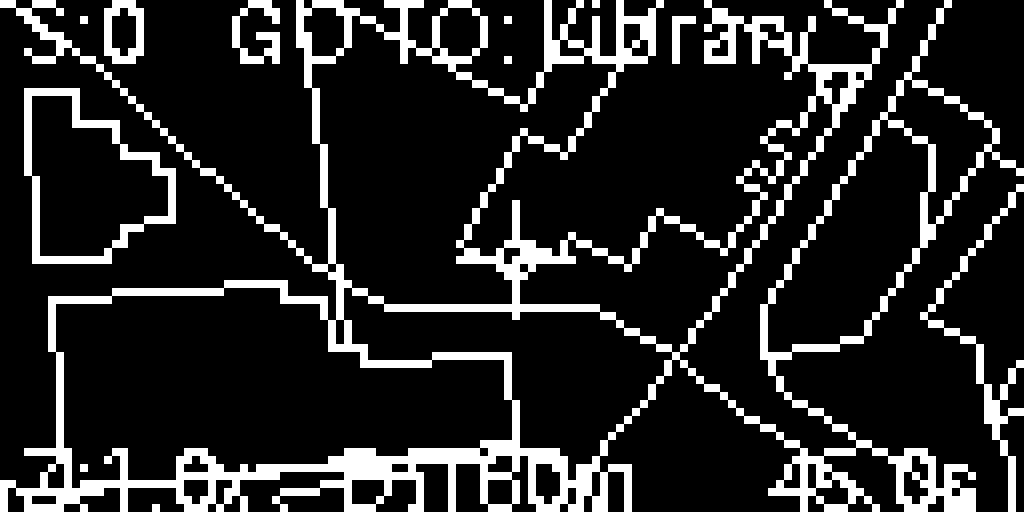
The map is not decoration. It is the Tama Art University Hachioji Campus itself, extracted from OpenStreetMap and baked into 4,460 vector line segments that the Pico redraws every frame. You scroll, rotate and zoom the real campus while a countdown pushes you from one building to the next — the feeling of an art student sprinting between studios to make a deadline, compressed into 45 seconds.
Playing on the Rabbit Pie board — joystick to scroll, SW2 to cycle zoom.
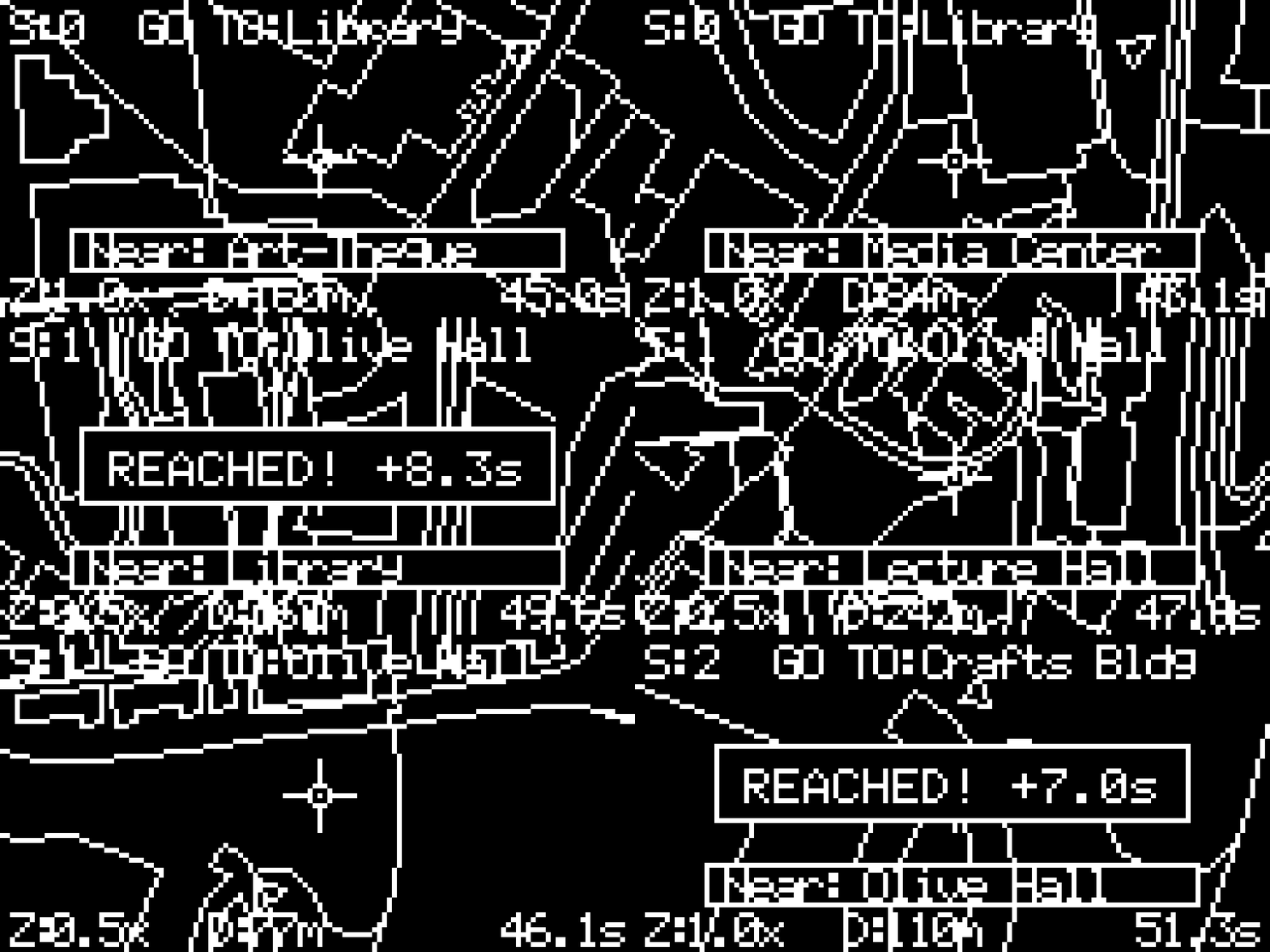
Replayed from the firmware’s own render path — the same 4,460 map segments, clipping and HUD the board draws, driven by a scripted joystick instead of a real one.
Game Rules
- Locate the target landmark. The HUD names your next destination (
GO TO: Library). If it is off-screen, a pointer arrow blinks at the screen border to aim you at it. - The crosshair is you. The map scrolls underneath the player, with acceleration and inertia — release the stick and you slide smoothly to a stop.
- Proximity alerts. Passing close to any of the 24 registered buildings pops up a
Near: [Building]box. - Arrive and earn time. Reaching a target centroid within 15 m plays a three-note victory chime and extends the clock. The bonus decays exponentially as your score climbs —
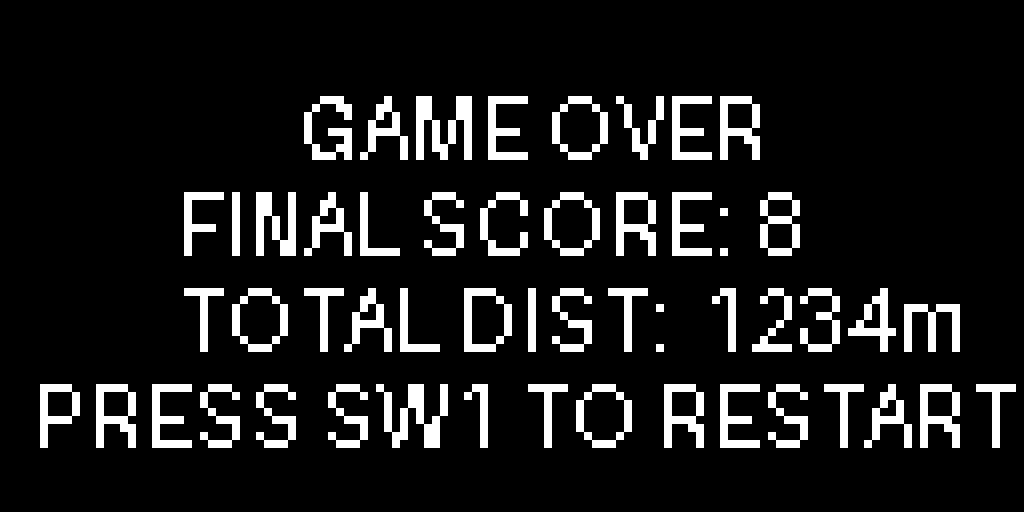
1.5 + 8.5 × e^(−0.22 × score)seconds — bottoming out at a merciless 1.5 s. - Game over at 0.0 s. Under five seconds the game starts ticking a warning beep on every second boundary. When the timer runs out the BGM stops dead and an 8-bit slide-down plays.
Interface Design for 128×64 Pixels
Every element had to survive in one bit of colour and a screen smaller than a postage stamp.
- Three zoom levels (
0.5x/1.0x/1.8x) — zoom out to find the target, zoom in to land on it. - Map rotation by holding SW0 and pushing the stick sideways; camera inertia freezes while rotating so the world does not drift under you.
- A volume HUD that appears on a long press of SW1, so the sound can be tuned without a menu screen.
- Target skip on SW3 for when a landmark is hopeless — at the cost of five seconds and a warning buzz.
Replayed from the firmware’s own render path — the same 4,460 map segments, clipping and HUD the board draws, driven by a scripted joystick instead of a real one.
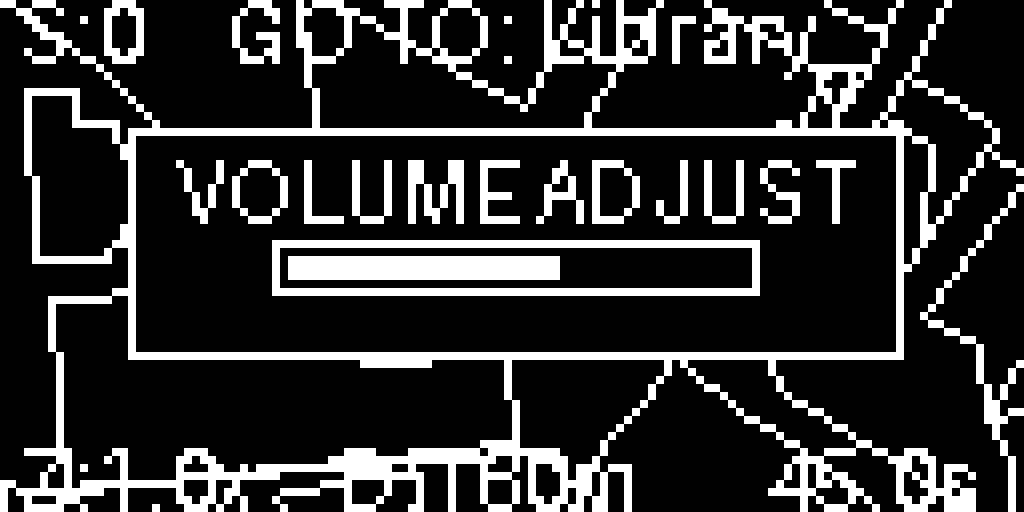
Drawing OSM geometry on a 128×64 buffer meant lines constantly ran off-canvas, and U8g2’s coordinates wrap rather than clip. The renderer runs Cohen-Sutherland line clipping on every segment before it reaches the display, which is what keeps the map from tearing itself apart at the screen edges.
Sound on the Second Core
The RP2040’s two cores are split down the middle: Core 0 handles input and rendering, Core 1 runs a Mozzi synthesizer over the I2S DAC. The background track is a two-voice swing loop — a 32-step melody over a bass line — written to sound cosy in the way Animal Crossing is cosy, so that the countdown feels hectic instead of hostile. Sound effects (arrival chime, warning tick, sweep, skip buzz) are triggered by flags shared across the cores.
Hardware
| Part | Pins |
|---|---|
| Joystick X / Y | GP26 (A0) / GP27 (A1) |
| SW0-SW3 | GP19 / GP18 / GP17 / GP16 |
| SSD1306 128×64 OLED | Hardware I2C — SDA GP4, SCL GP5 |
| I2S DAC | BCK GP20, WS GP21, DATA GP22 |